

Most production companies can handle simple print jobs internally but hit a wall when volume, complexity, or specialization enters the picture. Deciding when to outsource print production comes down to three factors: equipment capability, staff time, and cost per unit. Your desktop printer works fine for contracts and call sheets, but large-format posters, specialty materials, and high-volume runs often cost more and take longer in-house than they should.
Why Production Companies Keep Print Capabilities In-House
Keeping a basic printer on-site makes sense for daily operations. You need immediate access to scripts, shooting schedules, crew contact sheets, and location permits. Waiting 24 hours for an external vendor to deliver a revised call sheet creates unnecessary friction.
In-house printing gives you control over timing and confidentiality. When you’re working with sensitive project details, casting information, or budget documents, printing internally keeps that information within your team. You also avoid shipping delays and can make last-minute changes without renegotiating timelines.
The Real Cost of Running Your Own Print Operations
What most companies underestimate is the true cost per page when printing internally. A standard office laser printer costs between 5 and 8 cents per black-and-white page when you factor in toner, paper, maintenance, and equipment depreciation. Color pages jump to 15 to 25 cents each.
That calculation doesn’t include staff time. Loading paper, clearing jams, troubleshooting driver issues, and ordering supplies eats up hours each month. When your production coordinator spends 30 minutes fixing a printer instead of coordinating talent, you’re paying premium labor rates for basic maintenance work.

Simple Documents You Should Always Print Internally
Certain documents make sense to print on-site every time. Single-page contracts, deal memos, talent releases, and location agreements fall into this category. You need them immediately, they’re confidential, and the volume is low.
Daily production paperwork like call sheets, script revisions, and crew lists also belong on your office printer. These change frequently, often at the last minute, and require no special formatting or materials. A basic monochrome laser printer handles these jobs efficiently.
Internal memos, expense reports, and quick reference documents round out the list. Anything that stays inside your office, requires no special presentation quality, and involves fewer than 20 copies per job belongs on your desktop equipment.
When Print Jobs Exceed Your Equipment Capabilities
Your office printer has physical limits. Most desktop models max out at letter or legal size. When you need 11×17 layouts, 24×36 posters, or banner prints, you’re beyond consumer-grade capabilities.
Specialty materials present another hard stop. Your standard printer can’t handle cardstock over 110 lb weight, vinyl, fabric, or adhesive materials. If your project requires waterproof signage, window clings, or mounted prints, you need commercial equipment.
Binding and finishing options also force you outside. Perfect binding, spiral coils, lamination, and die-cutting require dedicated machines that don’t make financial sense for occasional use. A professional print service includes these finishing options in their standard workflow.
Volume Thresholds That Make Outsourcing Smarter
The break-even point for outsourcing typically hits around 100 to 200 copies for standard documents. Below that threshold, your per-page cost advantage disappears once you factor in setup time, quality checks, and shipping.
For marketing materials, pitch decks, or client presentations, quality expectations push that threshold lower. If you’re printing 50 color brochures for a client meeting, a commercial printer delivers better paper quality, color accuracy, and finishing for roughly the same total cost.
Time-sensitive bulk jobs almost always favor outsourcing. Printing 500 pages on a 25-page-per-minute office printer takes over 20 minutes of continuous operation, assuming zero jams or interruptions. Commercial printers run that same job in under five minutes on production equipment.

Quality Standards That Require Professional Equipment
Client-facing materials demand professional quality. Investor presentations, marketing collateral, and portfolio pieces reflect directly on your brand. Desktop printers produce visible banding, inconsistent color, and lower resolution than commercial offset or digital presses.
Color accuracy matters when you’re matching brand guidelines or showing visual work. Office printers lack color calibration tools and use smaller ink gamuts than professional equipment. If someone will compare your printed piece to a specific Pantone color or previous materials, you need commercial printing.
Photography and fine art reproduction require specialized paper stocks and color management. Glossy photo paper from an office supply store doesn’t match the archival quality, color depth, or durability of professional photo prints. When image quality is the point, amateur equipment undermines the work.
How Document Management Connects to Print Decisions
Your printing strategy connects directly to how you organize and store files. Companies with strong document and data management systems make faster, smarter print decisions because they know exactly what exists, where it lives, and who needs access.
When your files are properly structured, you can quickly identify which documents require immediate in-house printing versus batch jobs you can send to a commercial vendor. Digital organization reduces redundant printing and helps you spot opportunities to consolidate print runs for better pricing.
Proper file naming and version control also prevent the costly mistake of printing outdated versions. Production companies waste thousands of dollars annually printing superseded contracts, old crew lists, and outdated scripts simply because their digital files aren’t organized systematically.
Shipping and Distribution After Printing
Printing is only half the workflow. Once materials are printed, they need to reach the right people at the right time. In-house printing gives you immediate access, but you still need to handle mail and shipping for remote team members, clients, or vendors.
Commercial printers often include fulfillment services that can ship directly to multiple addresses, saving you the time of sorting, labeling, and coordinating pickups. When you’re sending marketing materials to 20 different locations, having the printer handle distribution eliminates several steps from your workflow.
For recurring print jobs like monthly reports or client updates, setting up a print-and-mail automation saves hours each cycle. Instead of printing, folding, stuffing envelopes, and running to the post office, the entire process happens off your desk.
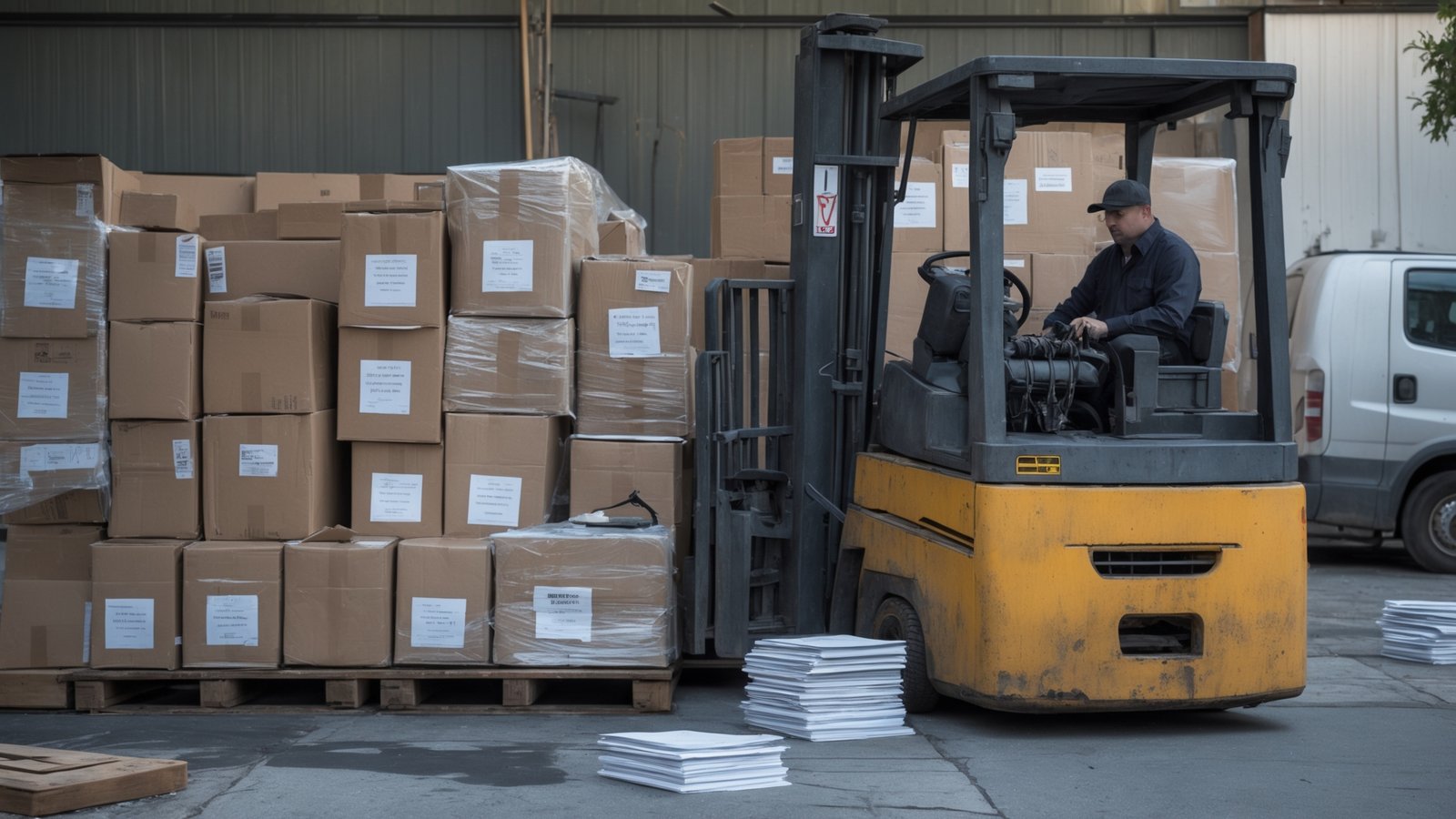
Building a Hybrid Print Strategy That Works
The most efficient approach combines in-house capability for immediate daily needs with outsourced partnerships for volume, quality, and specialty work. Keep a reliable office printer for same-day documents under 20 pages. Establish relationships with two or three commercial vendors for different types of jobs.
One vendor might specialize in high-speed black-and-white copying for scripts and reports. Another handles large-format and specialty materials. A third focuses on premium presentation materials and binding. This diversification prevents bottlenecks and gives you pricing leverage.
Set clear internal guidelines about what prints where. A simple decision tree based on quantity, size, material, and deadline keeps your team from defaulting to the office printer for jobs that should go outside. This structure also makes it easier to track costs and identify patterns in your printing needs.
Technology Tools That Streamline Print Management
Cloud-based document management platforms let you route print jobs automatically based on predefined rules. When someone uploads a file tagged as a client presentation, the system can automatically queue it for your premium print vendor instead of the office printer.
Print management software tracks volume, cost per department, and usage patterns. This data helps you spot inefficiencies, like one team printing everything in color when black-and-white would suffice, or departments duplicating the same documents because they can’t find the shared file.
Integrating your print workflow with your broader business systems creates surprising efficiencies. When your print orders connect to your project management tools and accounting software, you eliminate manual data entry and gain better visibility into project costs. Ninja Premium Outsourcing helps production companies implement these connections so print becomes a seamless part of operations rather than a recurring headache.
Making Print Decisions That Support Growth
Smart print strategy scales with your business. As you take on more projects or larger clients, your print volume and quality requirements change. Companies that lock themselves into doing everything in-house eventually hit capacity limits that slow down operations.
Building relationships with external print vendors before you urgently need them gives you flexibility when deadlines compress or requirements spike. When a new client needs 200 bound presentations delivered in 48 hours, you already know who to call and what their turnaround looks like.
The goal isn’t to eliminate in-house printing or outsource everything. It’s to match each job type with the most efficient, cost-effective, and quality-appropriate solution. This approach frees your team to focus on production work instead of printer maintenance, and ensures clients receive materials that reflect your standards.
Production companies need reliable back-office support that includes smart print management alongside document organization, invoicing, and daily operations. Ninja Premium Outsourcing provides specialized administrative services that keep your projects moving forward without the bottlenecks that come from trying to handle everything internally. If your print workflow has become a source of delays or rising costs, call 832-345-1654 to discuss how we can streamline your operations.